Compatibility
Minecraft: Java Edition
Platforms
Supported environments


Tags
Creators
Details









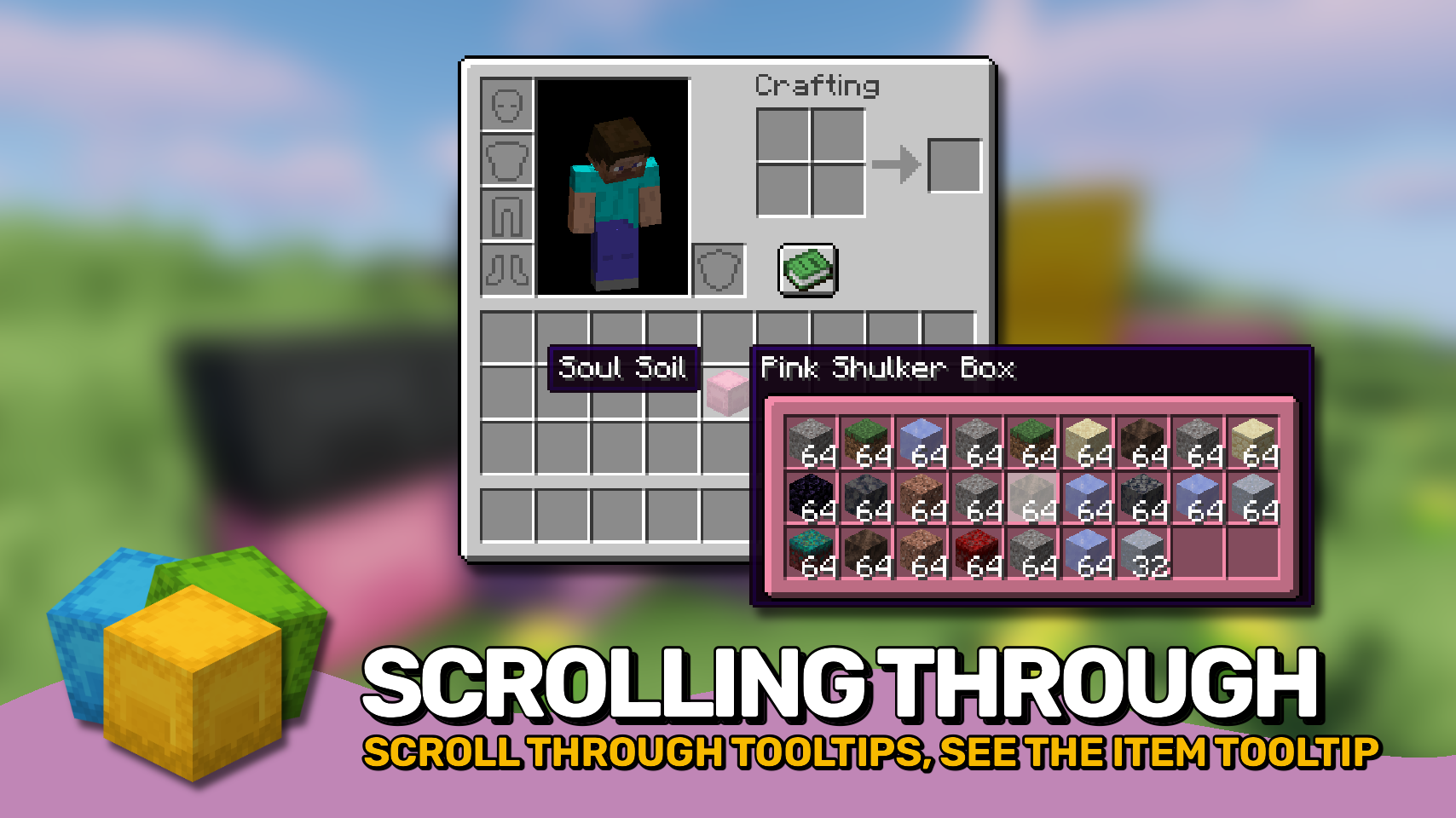
Easy Shulker Boxes lets you fully interact with shulker boxes directly from your inventory. Insert items, remove items, browse contents, and manage storage without placing boxes on the ground. 📦
Inspired by Minecraft's modern bundle mechanics, the mod makes portable storage feel natural and intuitive. Scroll through stored contents 🖱️, select exactly which item you want 🎯, move items in or out with simple clicks, transfer items across multiple slots using mouse dragging, or use single-item mode for precise inventory management. ✨
Beyond vanilla shulker boxes, the mod also supports ender chests and can be extended to work with storage items from other mods through data packs. 🔗
Unlike simple tooltip mods, this is not a client-only mod. It adds real inventory interactions and must be installed on both the client and server. If you only want to preview shulker box contents in tooltips, check out the client-side alternative: Shulker Box Tooltip by MisterPeModder. 💡

- 📦 Inventory Based Storage Access: Insert and extract items directly from supported storage items without placing them in the world.
- 🔍 Detailed Content Preview: View stored contents directly in item tooltips, making it easy to see what each storage item contains at a glance.
- 🎯 Select Any Stored Item: Use the scroll wheel or keyboard arrow keys to choose exactly which stored item you want to interact with instead of being limited to the most recently inserted one.
- 📝 Selected Item Details: Instantly see additional information about the currently selected item while browsing storage contents.
- ↔️ Fast Item Transfer: Click items onto storage items, or storage items onto inventory slots, to quickly move contents in and out.
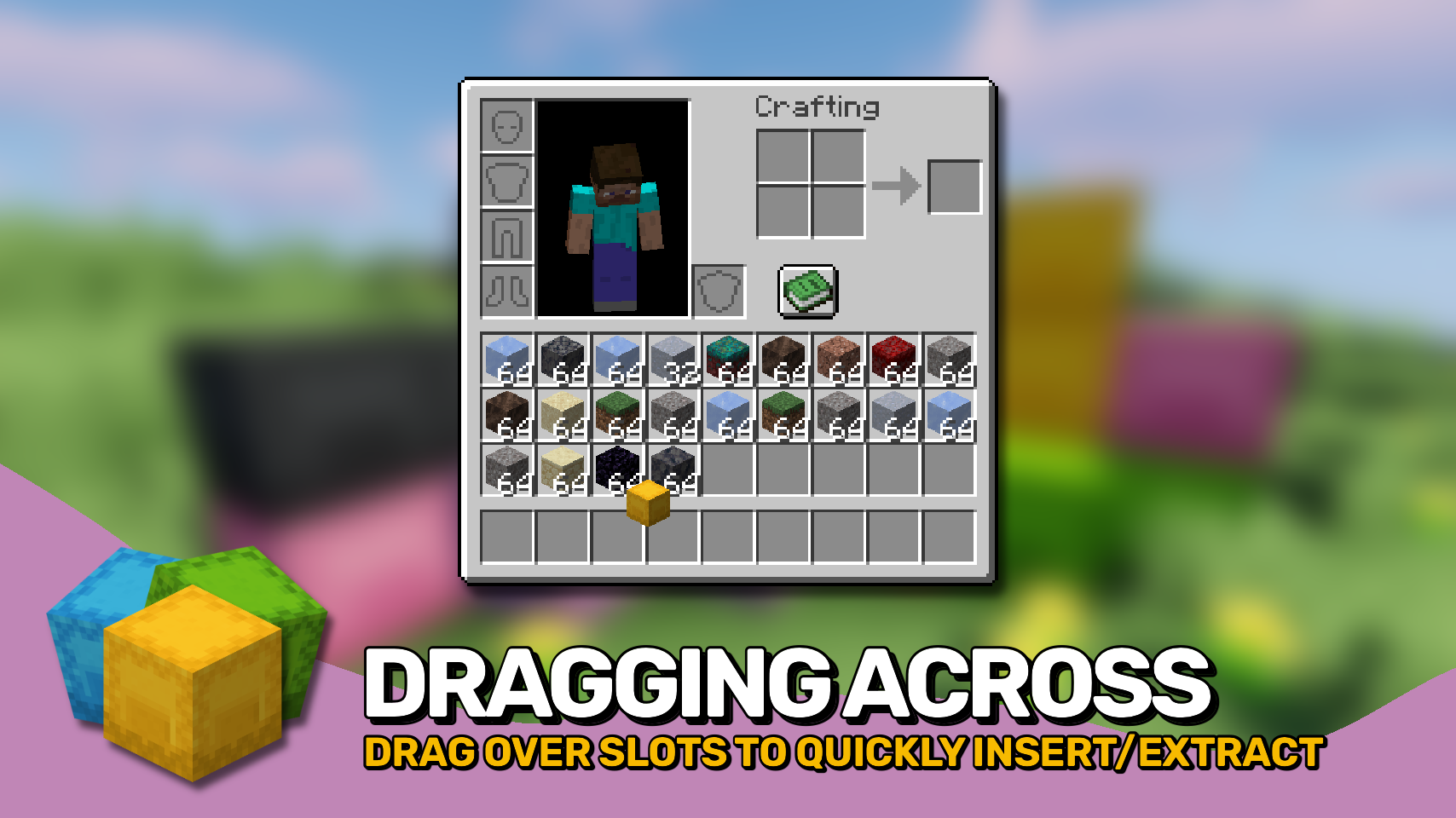
- 🖱️ Drag Across Multiple Slots: Click and drag across inventory slots to insert or extract items in bulk for much faster inventory management.
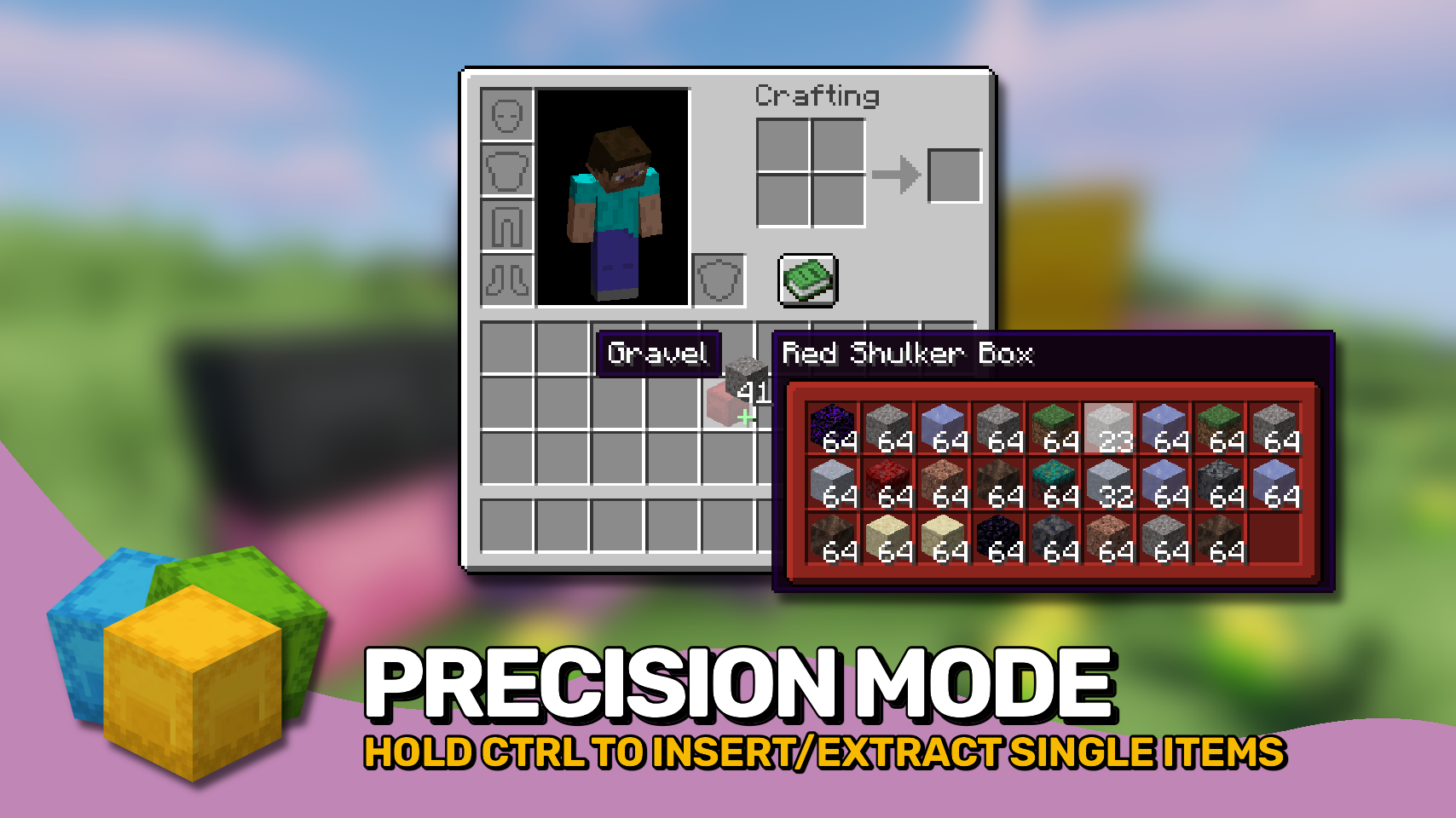
- 🎚️ Precise Item Movement: Hold
Control(Commandon Mac) to move individual items instead of full stacks and precisely control transfer amounts. - 📊 Storage Fill Indicators: Optionally display bundle style fill bars directly on supported storage items to monitor capacity at a glance.
- 💡 Smart Compatibility Indicators: Visual hints show whether held items can be inserted and whether matching items are already present inside.
- ⚙️ Highly Configurable: Customize interactions, controls, tooltip behavior, and visual features to match your preferred playstyle.
- 🔗 Data Pack Driven Compatibility: Support for additional storage items can be added through data packs, allowing integration with many modded backpacks and storage solutions.


⏩ INSTALLATION REQUIRED ON CLIENT & REQUIRED ON SERVER
⏩ REQUIRES PUZZLES LIB TO BE INSTALLED (FABRIC & NEOFORGE)
⏩ REQUIRES FABRIC API TO BE INSTALLED (FABRIC)
⏩ REQUIRES FORGE CONFIG API PORT TO BE INSTALLED (FABRIC)

If available for a mod, configuration is possible directly from in-game using the mod menu (requires Mod Menu by Prospector to be installed on Fabric).
For manual configuration using an external text editor all files are found at .minecraft/config, named as MOD_ID-client.toml, MOD_ID-common.toml, or MOD_ID-server.toml, depending on the type of config. Not all types might exist for a mod, if any at all.

🌟 Thanks to Kir_Antipov for inspiring the ender chest feature from their Packed Inventory mod.
🌟 Big thanks to MrNiddala for inspiring the feature allowing you to insert items to or extract items from a container item via dragging that item accross different slots in your inventory.